
Upload
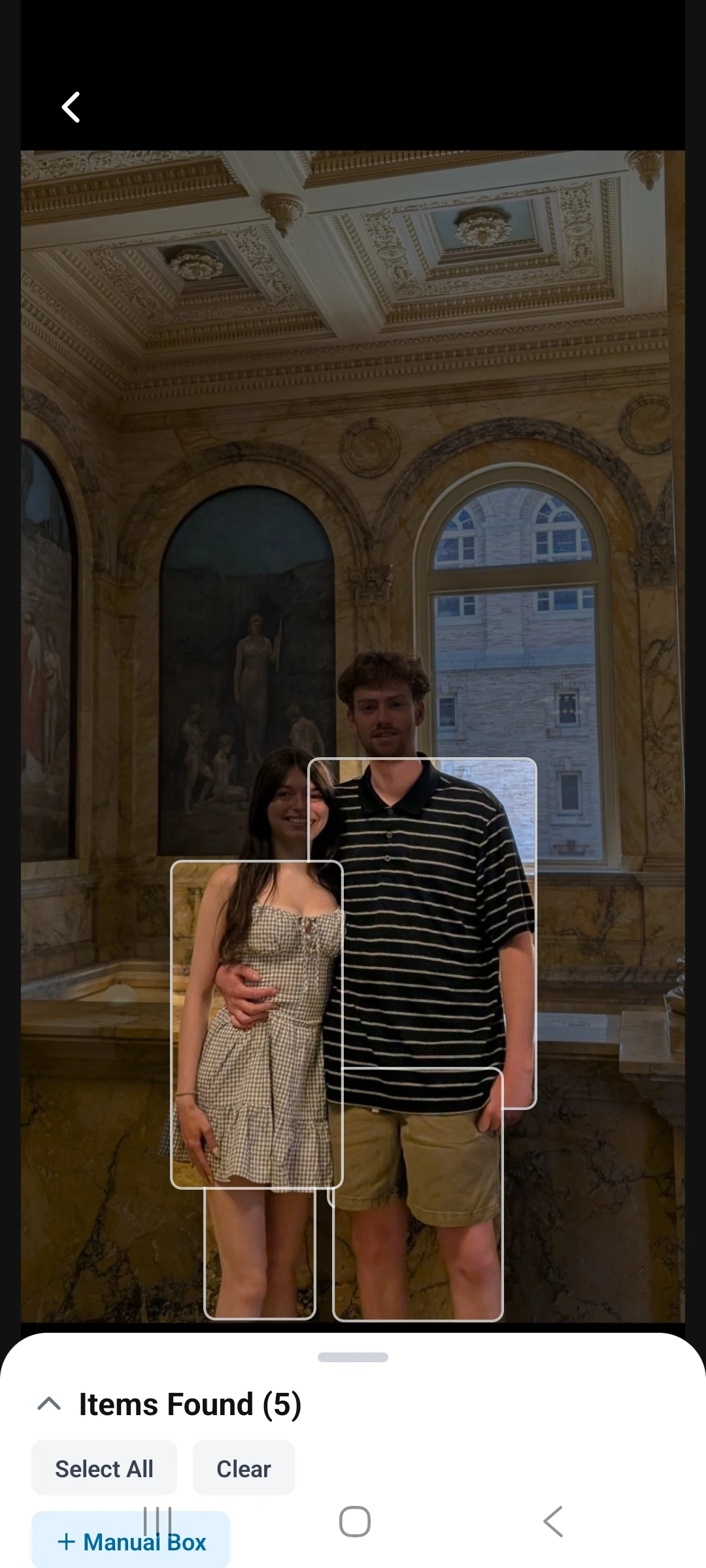
Digitize your closet.
This quick walkthrough follows the product the same way a new user would: upload real clothing, organize a digital closet, preview outfits, and turn that plan into a trip-ready packing flow. Then the tutorial keeps going into social inspiration, borrowing, and OOTD wear logging so users get real value from the clothing they already own.
Swipe through the core flow first, then keep going deeper into social inspiration, borrowing, wear tracking, and wardrobe stats further down the page.
Digitize your closet.
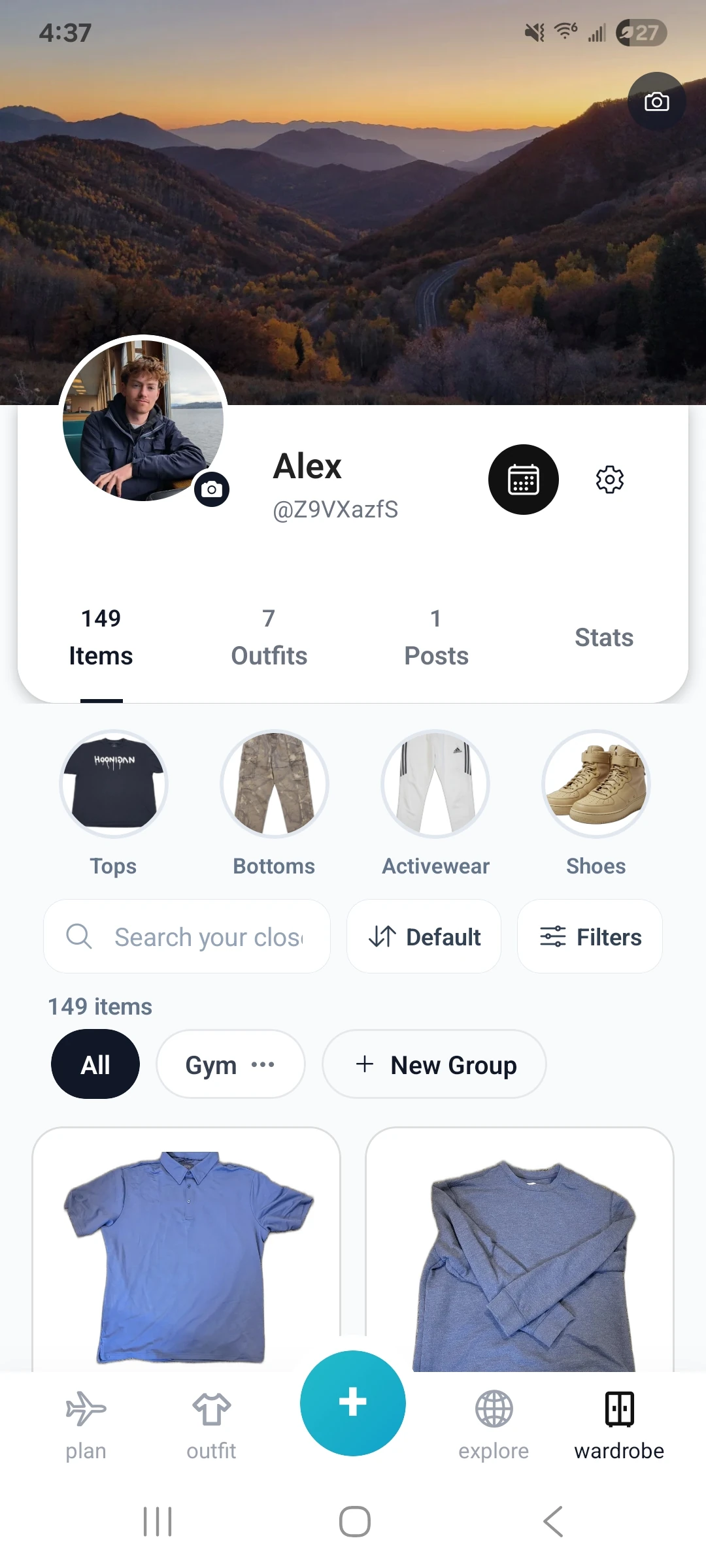
See your whole closet in one place.
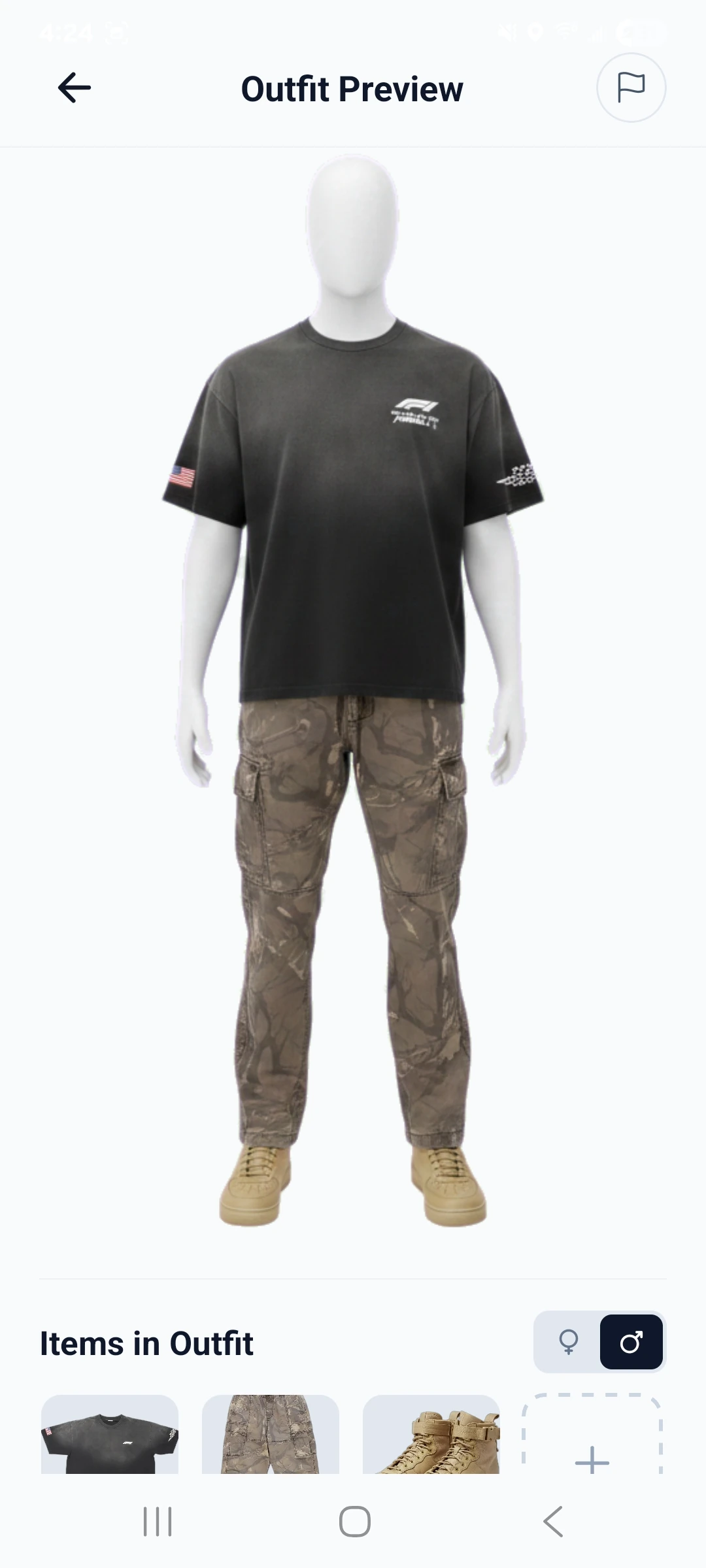
Build exciting new outfits.
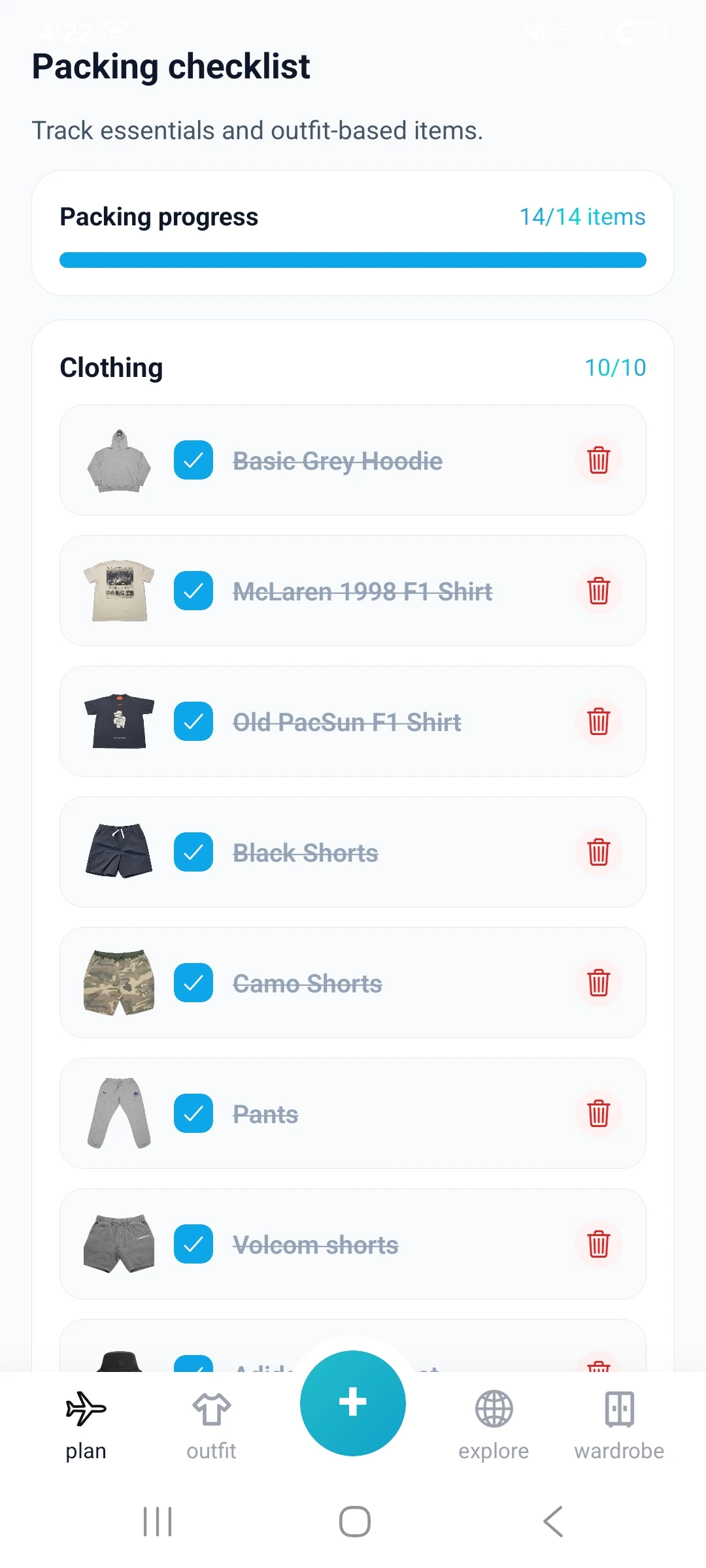
Pack smarter for every trip.
Start the tutorial by bringing real pieces into the app. The goal is to get clothing out of camera roll chaos and into a structured wardrobe quickly.
Once pieces are saved, the tutorial moves into closet organization so users can find what they own without relying on memory alone.
The next phase is turning wardrobe pieces into actual looks. Users can build outfits, preview combinations, and save the ones that work.
StyleStreak extends outfit planning into trip preparation so users can think in terms of days, events, and packing needs instead of isolated items.
After the core closet and trip flow, the tutorial can branch into discovery. Users can look at the social feed, see what friends are wearing, and use that inspiration in their own planning.
Social coordination is not just inspiration. Users can also explore borrowing flows when they want to fill a gap for an event, trip, or one-off look.
One of the last loops is daily wear tracking. Logging outfits helps users see what gets worn, repeat good looks intentionally, and make smarter closet decisions over time.
Stats turn closet activity into something measurable. Users can review totals, most-worn pieces, and cost-per-wear patterns to understand what is actually earning space.
Once the closet, outfits, and trips are set up, these screens show the next layer of value: inspiration from friends, borrowing for real plans, logging what actually gets worn, and wardrobe stats.
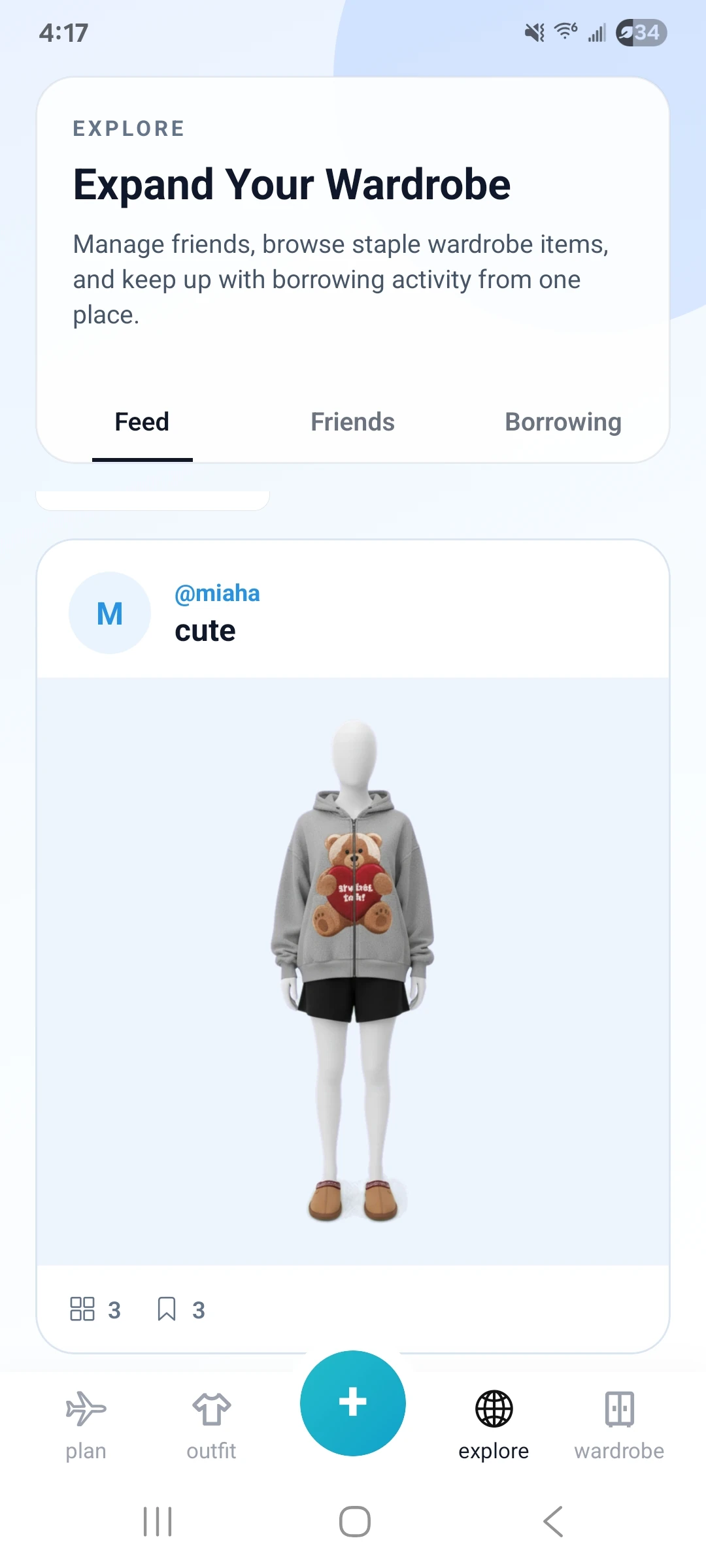
Use the feed as inspiration when you want a look idea before saving your next outfit.
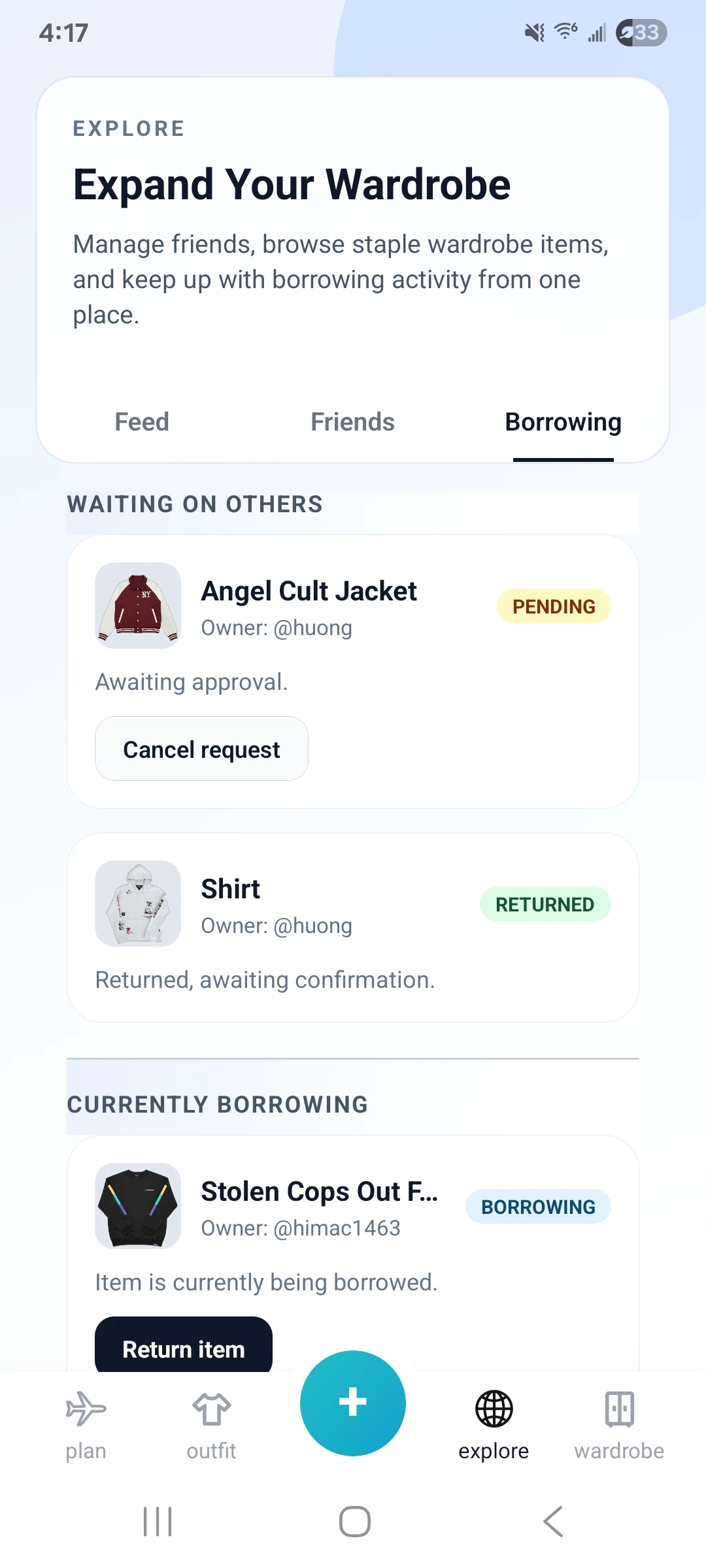
Borrowing keeps the tutorial grounded in real-life planning when a friend already has the missing piece.
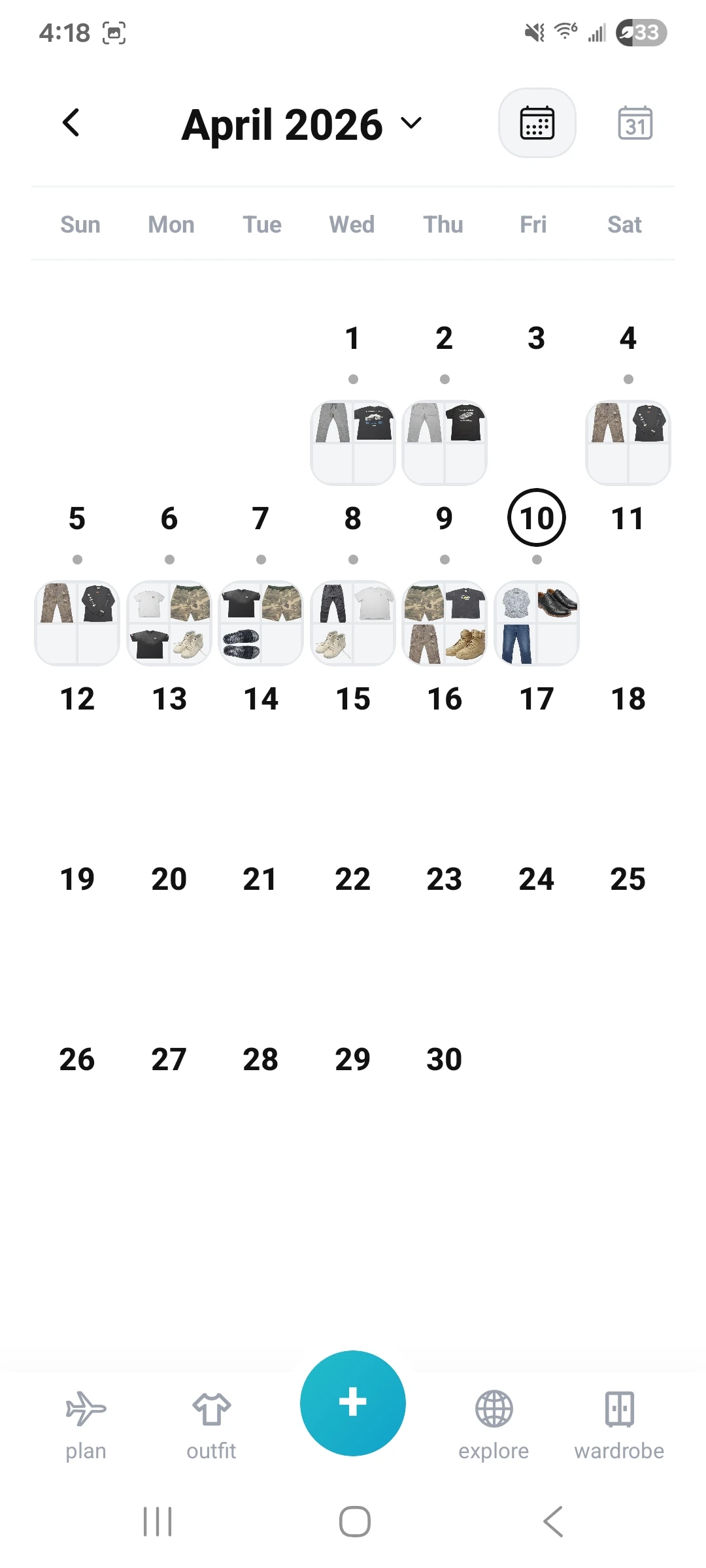
OOTD logging closes the loop between planning and real use, so repeat wears stay intentional.
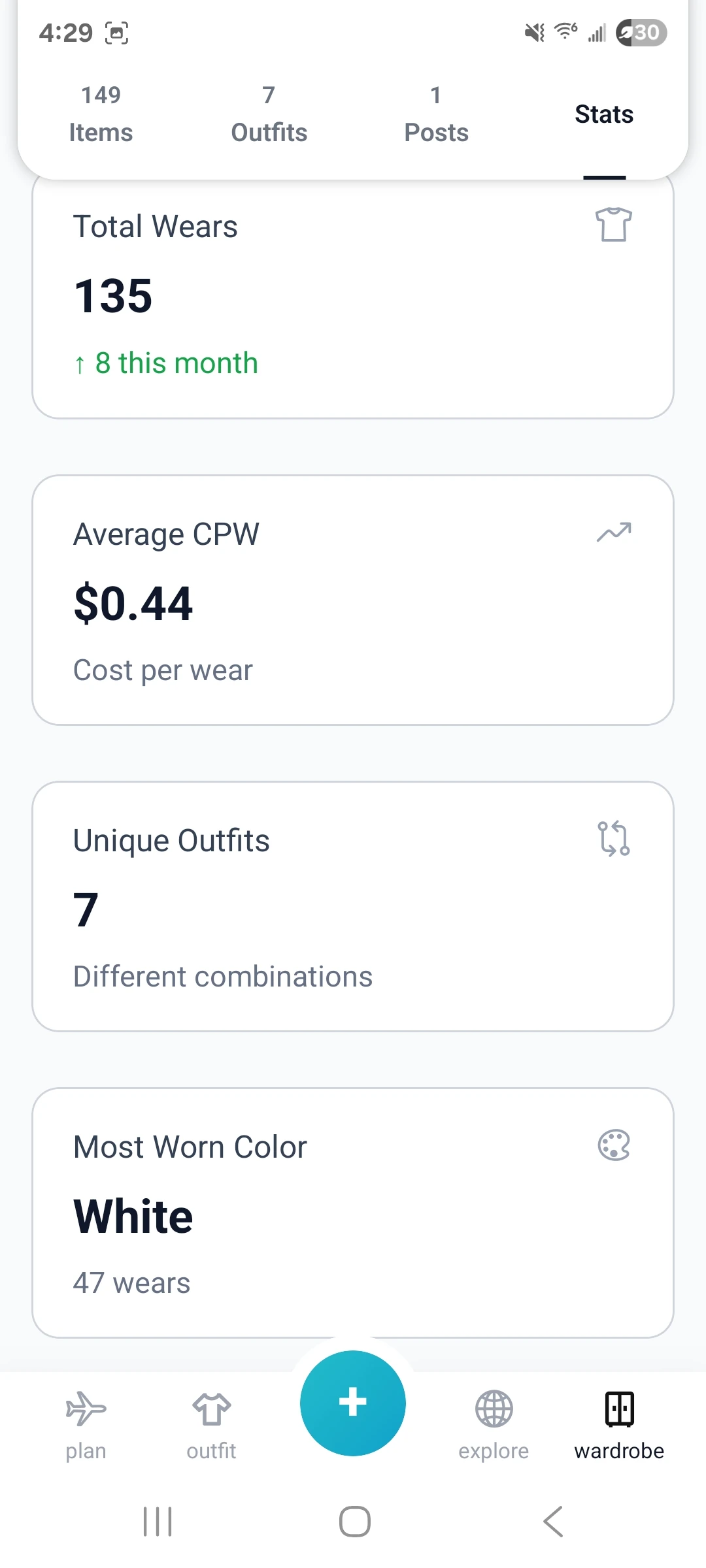
Stats make it easier to spot favorites, underused items, and cost-per-wear trends before the next outfit or purchase.